
What is a The Stock store?
Your store on The Stock has three parts: the sign-up site, the public storefront your customers see, and the dashboard you run it from. This article explains each part and who uses it.
When you create a store on The Stock you get a complete platform for selling and licensing your photos and videos under your own name and brand. You work with three different places, each with a clear role.
The three parts
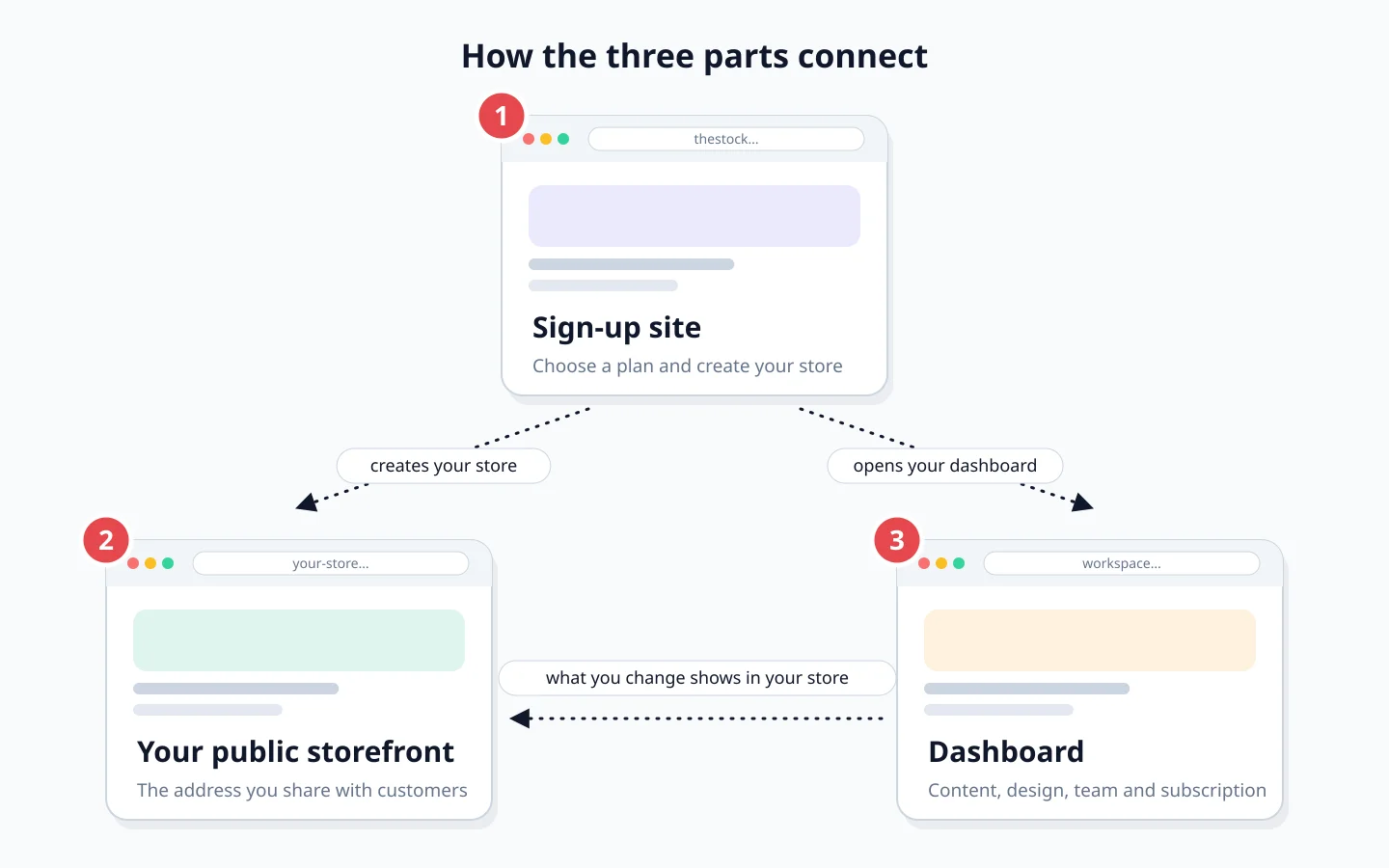
- The sign-up site cloud.thestock.sa: where you choose a plan and create your store.
- Your public storefront: the address you share with customers.
- The dashboard (workspace): where you manage content, design, team and subscription.
| Part | Address | Who uses it |
|---|---|---|
| Sign-up site | cloud.thestock.sa | You, once, when creating the store |
| Public storefront | <your-store>.thestock.cloud or a domain you own | Your customers: browse and buy |
| Dashboard | workspace | You and your team: day-to-day management |
The sign-up site
This is where you compare plans and start the store creation wizard. Details in Creating your store, step by step.
The public storefront
This is what your customers see. It gets a free subdomain, and you can connect a domain you own if your plan allows it. See Your subdomain and store address.
The dashboard (workspace)
This is where you upload content, edit the design, invite your team and manage your subscription. You reach it with the Open dashboard button after sign-up, or from Sign in at the top of this site.
Getting started
Choose your plan
From the pricing section on the home page, monthly or yearly.
Complete the sign-up wizard
Account, verification code, business details, store name, then payment or the free trial.
Open your dashboard
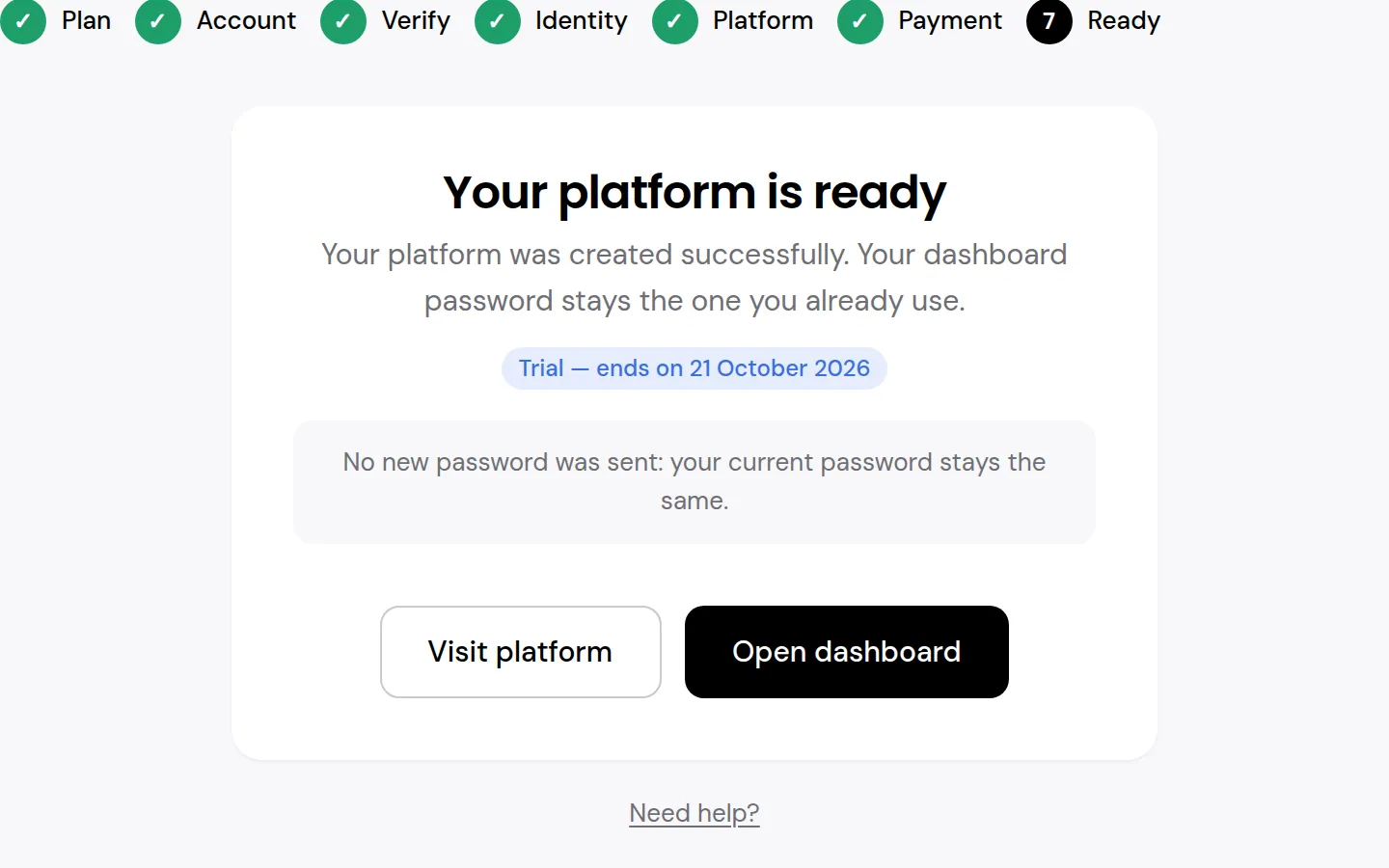
On the Your platform is ready screen, press Open dashboard and set a new password.
Do I need technical experience?
No. The wizard sets your store up automatically, and you edit the design in the Design Studio without writing code.
Can I change my plan later?
Yes, from the subscription page in your dashboard. Details in Subscription and billing.