
How contributing to The Stock works
From upload to sale: AI writes the description, you review it, the platform team reviews it, then it is published and you earn a share of each sale.
A contributor is a photographer or creator who sells photos and videos on The Stock. You upload your work, we handle display, sales and licensing, and you earn a share of every sale.
This article gives you the full picture before you start. The details are in the rest of this guide.
Your work, from upload to sale
Register and send your samples
From the Register as a contributor page on The Stock main store, then send at least 3 photos for the platform team to review. Details in Registering as a new contributor.
Sign in to the workspace
Once your request is approved you get an email with a link to set your password and a sign-in link. See Signing in to the workspace for the first time.
Upload your files
JPG and PNG photos, EPS files, MP4 and MOV videos, or a ZIP file that holds them.
The AI writes the details
It suggests an Arabic and an English description, keywords and a category for each file.
Review and approve
Edit what you want, then press Approve and send. Nothing is sent to The Stock before you approve it.
The platform team reviews it, then it is published
Once approved, your product appears in the store and can be bought, and your share is added to your balance with every sale.
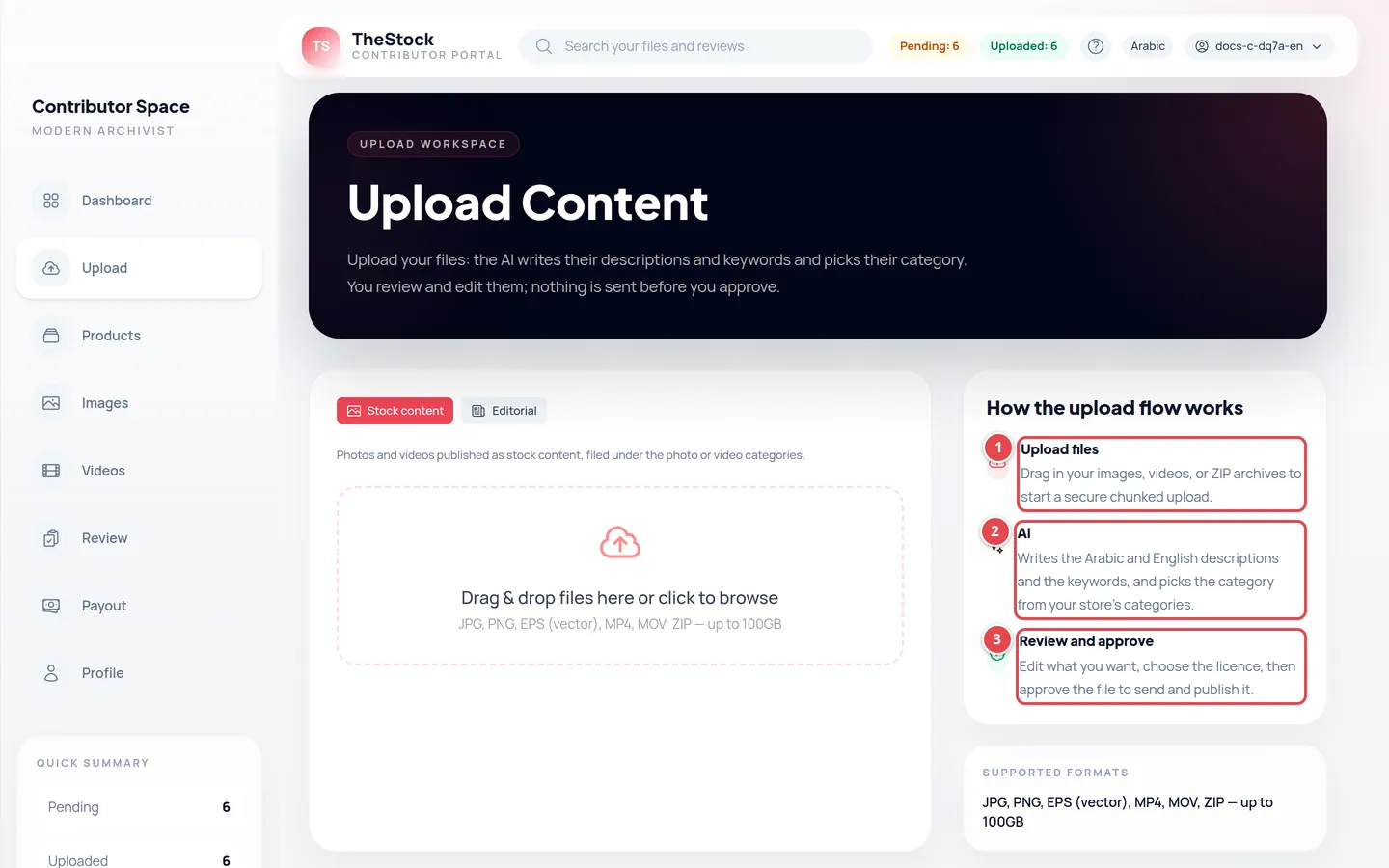
- Upload files: drag your files onto the upload area.
- AI: writes the description and keywords and picks the category.
- Review and approve: edit, choose the licence, then approve the file.
The two places you use
| Place | What you do there |
|---|---|
| The Stock main store | Register as a contributor, follow your application, and edit the Nickname buyers see. |
| The workspace (contributor workspace) | Upload files, review what the AI wrote, follow your products and earnings, and add your payout details. |
Who sets the price?
You do not set your product’s price. The price comes from the category the file is filed under; each category has prices per licence and size, set by the platform team. That is why choosing the right category during review matters.
The two licences: RF and RM
| Licence | Meaning | What happens on a sale |
|---|---|---|
| Royalty-free (RF) | A non-exclusive licence that many customers can buy. | The product stays on sale and sells again and again. This licence is always included. |
| Exclusive Rights (RM) | An extra option: one customer buys exclusive rights. | After the first purchase under this licence the product is withdrawn from sale for good. |
How you earn
With every sale, your share of the product price is calculated from the profit rate the platform team sets, which can be higher if you are a featured contributor. Your earnings build up in your balance, and the platform team transfers them manually to your bank account or PayPal. See Earnings and payouts.
Do I pay anything to become a contributor?
No. Registering and uploading are free, and you earn a share of every sale.
Can I upload content before my request is approved?
No. The workspace opens to you only after your request is approved. Until then you follow your application on the sample page of the main store.